AxiomPoint
In final testing

Feeding kids is hard.
The app shouldn't be.

Nutrition tracking and meal planning built around what each of your children actually needs — and what they'll actually eat. Free, no subscription, and nothing you enter leaves your device.

Coming soon to iPhone, iPad and Android.

Tracked per child, per day

CaloriesProteinCarbohydrates Total fatFiberSugars CalciumIronPotassium SodiumZincVitamin A Vitamin CVitamin D

Fourteen nutrients, with targets set by the child's age band and sex. Sugars and sodium are treated as limits; everything else as a goal.

Sourced from USDA FoodData Central National Academies DRIs CDC
Free. No subscription. Recording what you fed your own child is never behind a paywall.
Stays on your device No cloud account, no analytics, no advertising SDKs.
652 curated foods offline Built from USDA bulk data, with independent allergen audit.
Allergen gate everywhere Every screen that commits a food checks it against the child's profile.

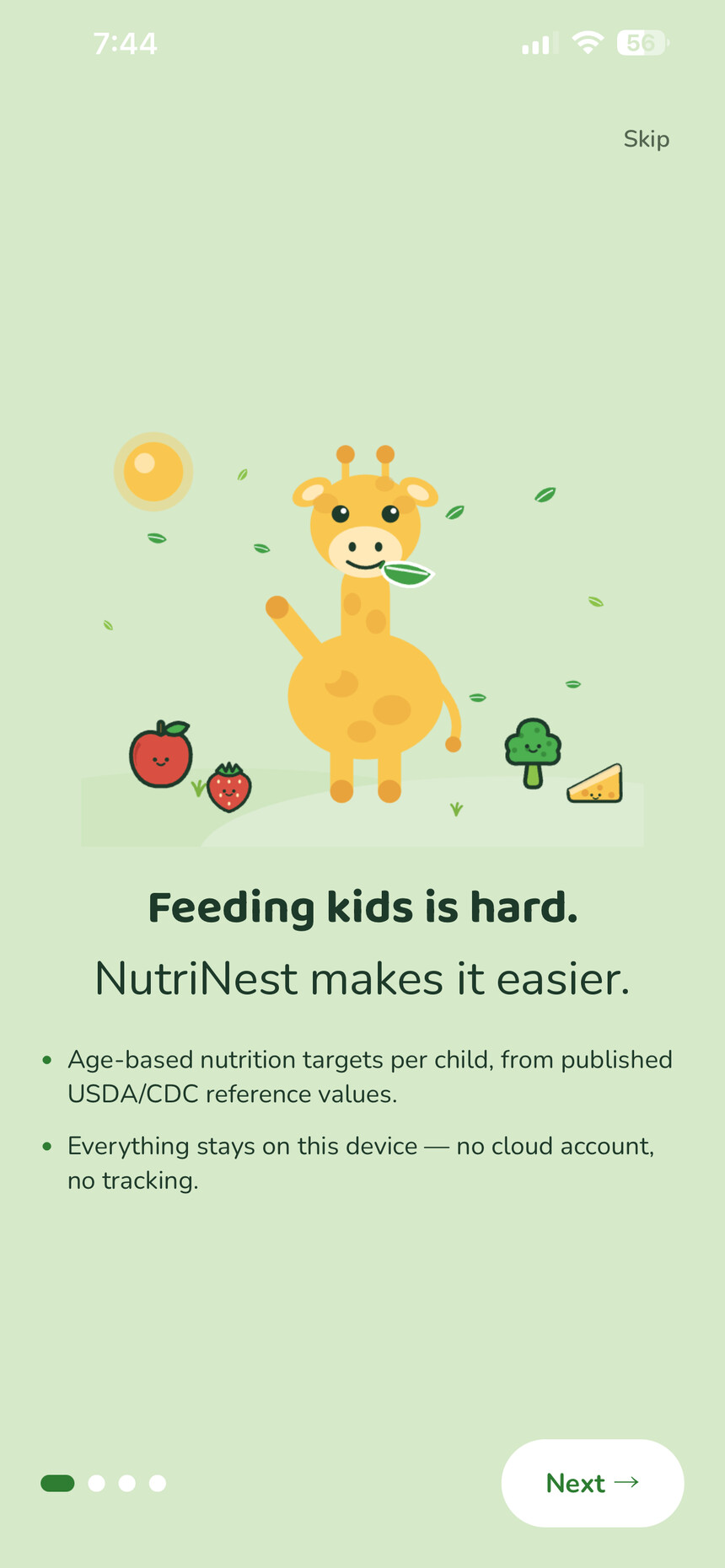
Feeding kids is hard. NutriNest makes it easier.

The first thing the app tells you, and the promise the rest of it keeps.

The NutriNest app
What it does

Four things, done properly

Not a diet app pointed at a child. A planning tool for the person doing the feeding.

Targets that fit the child

Daily values drawn from the National Academies Dietary Reference Intakes, split by age band and sex — so a four-year-old and a nine-year-old aren't measured against the same numbers.

Allergen safety, not a warning label

Set each child's allergies once. Search, planning, lunchboxes and the grocery list all flag matching foods, and logging one takes a deliberate confirmation.

A week planned in one tap

Fill the week from your own ingredients, your family's history, your favorites, or something new — aimed at whatever nutrients have been running low.

Kid Choice

Hand your child a picker filled only with foods you've already approved and that are safe for them. They feel in charge; you keep control.

Today

Know how today is going, per child

One screen per child showing live progress against their own goals. Portions scale to age automatically — a five-year-old's suggested serving is not an adult's — and you can override any value for pediatrician-directed targets.

  • Fourteen nutrients tracked, not just calories
  • Custom goals per child, marked so you know they're yours
  • Log entries snapshot their nutrients, so history stays accurate

Age bands

1–3 years4–8 years 9–13 years14–18 years split by sex from 9+

Every target, and every suggested serving size, is resolved from the child's exact age band rather than a single generic figure.

Allergen safety

The check happens before the mistake

Foods are tagged against the nine major allergens. A match against the child's profile is flagged wherever it appears — in search, in a generated plan, in the lunchbox, in the grocery list — and logging it requires explicit confirmation.

We're precise about the limit: NutriNest covers ingredients listed on the label, not cross-contact. Always check the packaging yourself.

Nine major allergens, six surfaces

MilkEggPeanutTree nuts SoyWheatFishShellfish Sesame

Flagged in food search, meal logging, the week planner, Kid Choice, lunchboxes and the grocery list — not just once at setup.

Planning

Four ways to fill a week

Every mode respects allergies, leaves the meals you've already edited alone, and never plans a food that isn't safe for that child. Redo a single day without touching the rest.

The grocery list generates from the plan and groups itself by supermarket aisle — and it knows what's already in your pantry.

Planning modes

1
Use my ingredients

Built around what you already have, with as few extra groceries as possible.

2
From our history

Meals your family actually eats, aimed at the gaps in their nutrition.

3
Try something new

Things they haven't had lately, anchored to familiar sides.

4
From our favorites

The meals you've already saved, with leftovers filled from the library.

Trends

See what's missing — and what fills it

Day, week and month views per nutrient against the goal line. When something runs consistently short, NutriNest says so plainly and suggests kid-friendly, allergy-safe foods dense in whatever is lacking.

There's also a pediatrician summary: a clean 7- or 30-day average you can screenshot or share from the appointment chair.

Gap detection

70%

If a nutrient averages below 70% of a child's goal across 14 logged days, it's surfaced as a gap — with specific foods that are safe for them and dense in what's short. No grades, no alarms, no red screens.

What we won't do

Three promises we designed around

Not marketing lines — constraints written down before building, because each one is a place other apps in this category went wrong.

We will never paywall your own data.

Recording what you fed your child, and getting it back out again, is the reason the app exists — not a premium tier. Barcode scanning and logging stay free.

No AI-invented nutrition. Ever.

Nutrition and allergen information comes from the product's own label data via USDA FoodData Central, with Open Food Facts as a barcode fallback. Nothing is estimated from a photo. A guessed number about a child's allergy is worse than no number at all.

No food moralizing.

No grades, no red-flagging a birthday cupcake, no shame mechanics. Sugars and sodium appear as limits because that's what the guidance says — not as a judgement about your family.

Our story

Made by parents who needed it

We have young children, and we wanted to know they were getting more than just enough to eat — iron, calcium, fiber, the things that are easy to lose track of between one check-up and the next.

We went looking for an app that could handle two kids at two different ages without charging us to see our own logs. We didn't find one, so we made NutriNest. We still use it every day, which is mostly what keeps it honest.

K
KarenFounder, AxiomPoint

Questions parents ask

Is it really free?

Yes. There's no subscription and no paywall on tracking, planning, scanning or exporting. Some shop links may earn a small commission if you buy through them, which the app discloses where they appear — that's the only commercial element.

Where is my family's data stored?

On your device, in the app's private storage. There is no server holding it. Your NutriNest account exists only on that device — it's there to keep two families' data apart on a shared tablet, not to sign you into anything of ours.

The only things that ever leave are optional food-name searches and barcode numbers sent to public nutrition databases. Never names, profiles, allergies or health information. The privacy policy spells out exactly what and when.

Can I use it for more than one child?

Yes, and it's the reason the app exists. Each child has their own profile, allergies, targets, logs and plans. Serving sizes and nutrient goals are calculated per child.

My child has a serious allergy. Can I rely on this?

Use it as a second pair of eyes, not as verification. NutriNest flags allergens listed in the product's own label data and requires confirmation before logging a match. It cannot know about cross-contact, a manufacturing change, or an unlabelled ingredient. Always read the packaging.

What if a food isn't in the database?

Scan the barcode — the app checks USDA FoodData Central first and falls back to Open Food Facts. If neither has it, enter the values from the label by hand and it's saved for next time.

Is this medical or dietary advice?

No. NutriNest provides general nutrition information based on USDA and CDC dietary reference values. It doesn't diagnose or treat anything. For concerns about your child's growth, eating or health, talk to your pediatrician or a registered dietitian.

NutriNest is coming soon

Built and in final testing for iPhone, iPad and Android. Send us a note and we'll tell you the day it's live — no list, no marketing sequence, just one email.